
TL;DR – your 60‑second how‑to
If you remember one thing, make it this:
Traffic gets people in, but sales happen faster when you know who’s who.
So a tool (like ScoreApp) that tells you who to focus on is gold. That’s why we created our Audience feature.
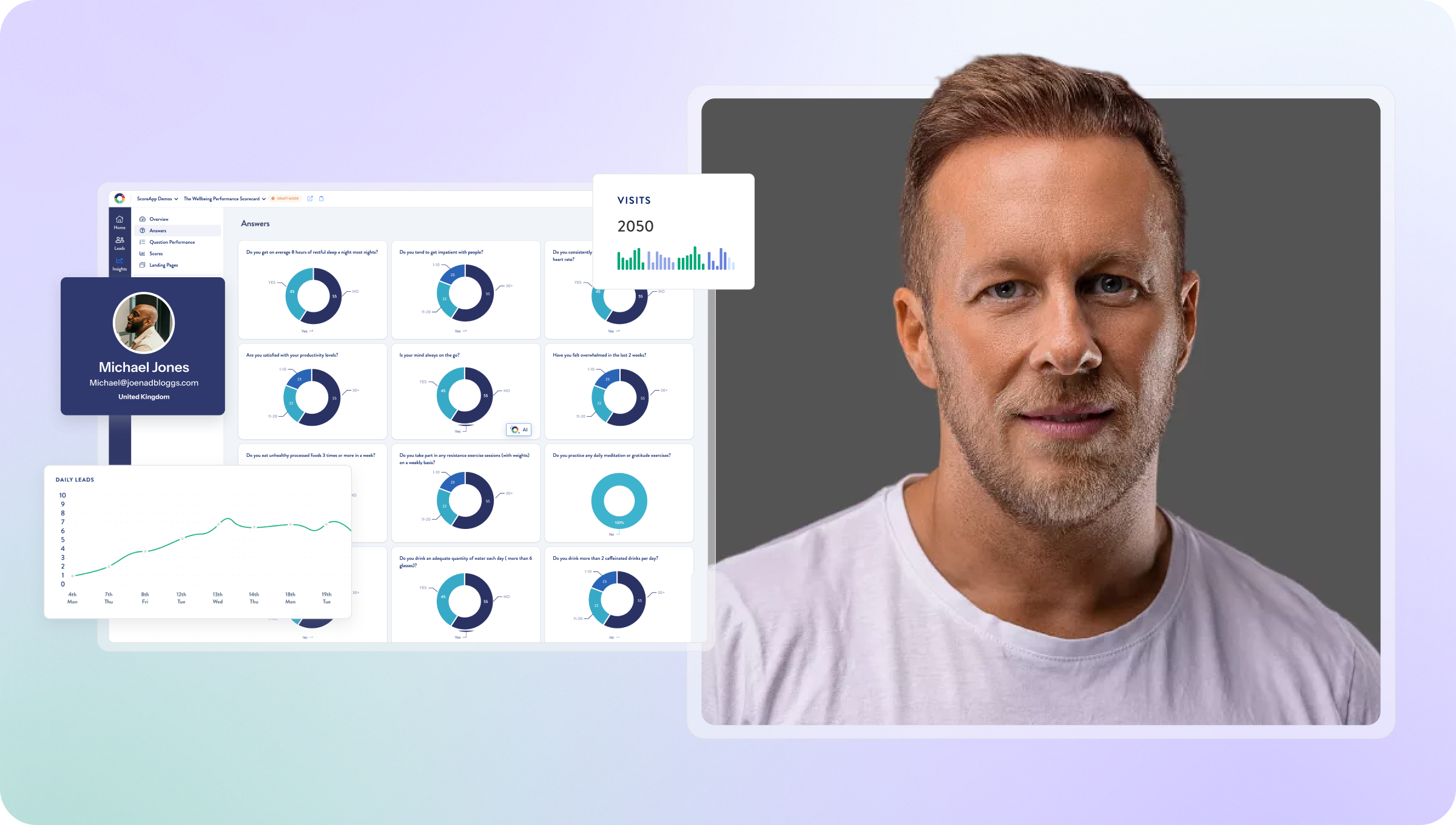
It lets you segment your entire lead pool based on how people actually answered your questions – not just a generic score. Instead of one overwhelming list, you get clear, actionable buckets you can sell to, nurture, or retarget properly.
If you want better leads, smarter follow‑up, and sales conversations that actually go somewhere – this is the feature to master.
1. Start with one clear question
Who do you actually want to speak to differently?
Different experience levels, locations, priorities, scores – start simple.
2. Build your audience in ScoreApp
Head to Audiences in your Builder → Create Audience, name it clearly, then choose your conditions – answers, scores, categories, or a mix using AND/OR logic.
3. Decide what only they should see
This is the magic part. Think messages, next steps, offers, PDFs, or guidance that makes sense just for your given audiences.
4. Add audience-based content to your results
In your Results Page or Results PDF, add a new section, click the eye icon, choose Audience-based, and select your audience.
That content now shows only to the right people.
5. Upgrade existing leads instantly
Toggle Update previous responses and ScoreApp will retro-segment your past leads too – no rebuilding, no re-launching.
6. Use it to drive better conversations, not just nicer pages
Filter leads by audience, tailor follow-ups, and build sales pipelines that feel personal – because they are.
Bottom line
Audiences turn your scorecard from “useful” into strategic.
Same funnel, completely different outcomes.
ScoreApp is unparalleled in segmentation
Segmentation is, honestly, our superpower – and it’s the part most businesses underuse.
Why? Because sales gets very hard when everyone looks the same.
Audiences is one of the most powerful tools inside our platform because it helps you create smart segmentation at scale. Think far less time fiddling with/smashing your head against that spreadsheet.
You’ll find Audiences in the main menu (available on the Business plan and above) – and if you have people coming through your scorecards already, this feature alone can completely change how you sell.
The real problem: big lead pools, no focus
Imagine this:
You run a quiz, assessment, or survey. 1,000 people come through.
Sounds great, until you realise:
1. You don’t know who’s ready to buy, 2. you don’t know who needs nurturing, and 3. you don’t know who your sales team should prioritise
Old‑school funnels gave you a name, email, maybe a phone number – and that was it. No context. No buying signals. No insight.
Audiences fixes that.
What Audiences actually does
Audiences lets you filter your entire lead pool based on:
- How someone scored
- How they answered specific questions
- Combinations of answers across multiple questions
That means you can move beyond basic low/medium/high scores and start creating meaningful buckets based on intent, readiness, and fit.
This is where ScoreApp becomes a sales tool – not just a lead capture tool.
Why this matters for sales
From a sales perspective, this shifts a lot.
When you know 1. who is qualified, 2. who is close to buying, 3. who needs education first, you start saving a ton of time.
If shows you or your sales team exaaactly where effort will pay off. That’s far better than chasing everyone who ever filled in a form.
The real power: aligning Audiences with your ICP
Audiences works best when you’re clear on your ICP – your ideal client profile.
Once you know 1. what a great lead looks like, 2. what signals buying intent, 3. what answers indicate readiness
You can build audiences that mirror that reality.
Audiences does more than just power sales
This isn’t only about sales calls.
Audiences lets you sharpen email nurturing, SDR outreach, follow-ups, and ad campaigns.
Send your audiences tailored messaging based on where they are in their journey (knowing what to say to them becomes a lot easier here, too).
Going beyond basic score bands
The biggest mistake I see is people creating ScoreApp funnels, but stopping at low/medium/high.
Audiences lets you cherry‑pick based on intent:
Open to training vs Actively looking for support vs Qualified but not ready
The takeaway
Audiences turns ScoreApp from a lead tool into a decision‑making engine.
Instead of one messy list, you get focus that leads to easier momentum.
If you want better conversations, faster sales, and smarter follow‑up – this is the feature to lean into. Once you do, it’s hard to imagine running funnels without it.
Fancy a 60-minute Masterclass on how to, well, master using the Audiences feature?
Our Sales Masterclass is the ticket. Book your spot right here.