
Audiences is available on our Business, Pro, and Enterprise Plans.
Most people don’t have a lead generation problem. They have a focus problem.
Traffic gets people in, but sales move faster when you know who’s ready now, who’s still hesitating, and who just may not be a fit. When everyone who comes through your funnel looks the same, follow-ups get vague, priorities blur, and momentum stalls.
That’s the problem our Audiences feature is designed to solve.
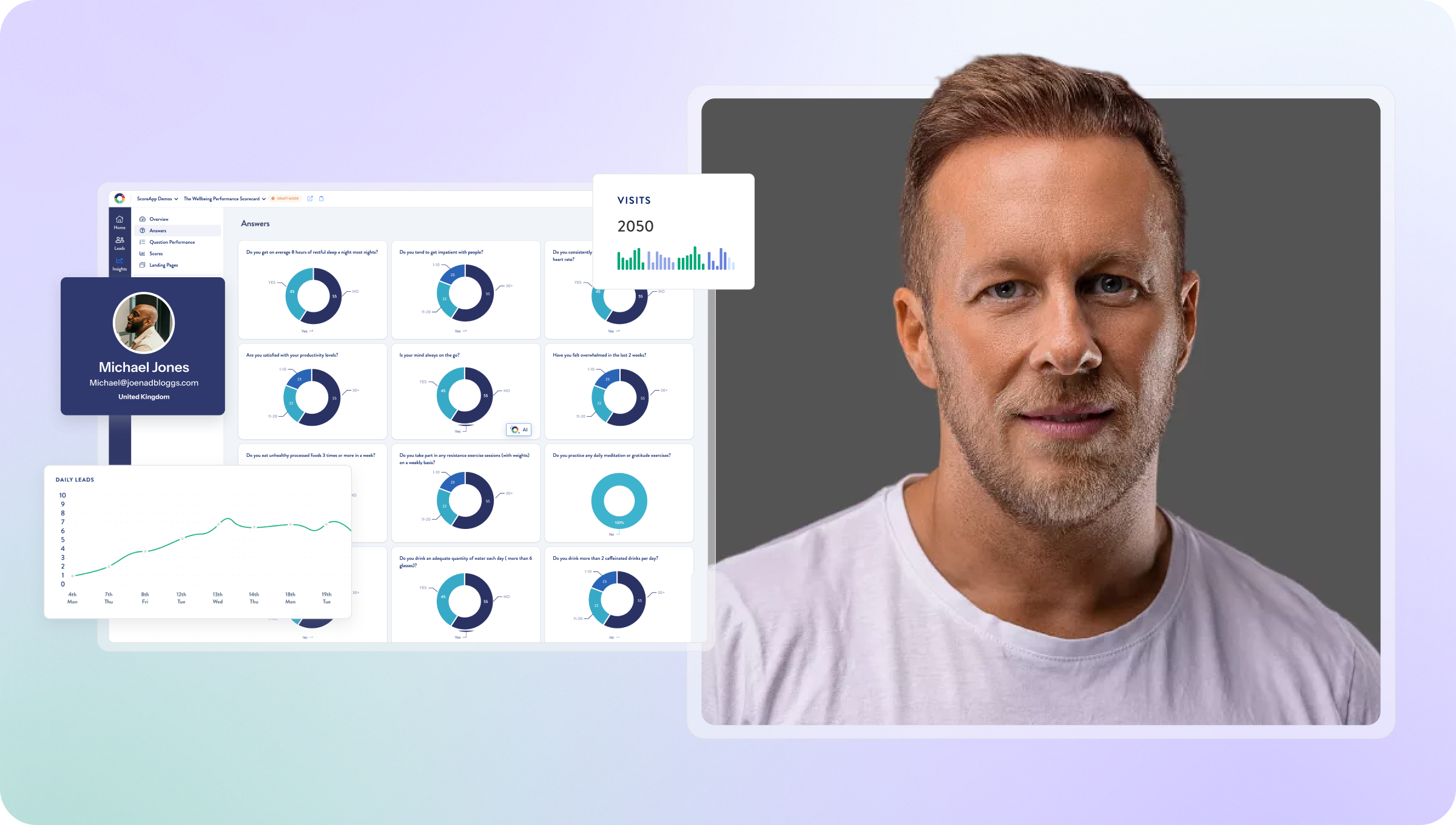
It helps you turn a messy lead pool into clear, qualified groups – based on how people actually answered your questions, not just a generic score. Same funnel, very different outcomes. Give it a spin here.
How our Audiences feature helps you sell more intuitively
If you remember one thing, make it this: Audiences is about deciding who to speak to differently, then acting on it.
Here’s the simplified, step-by-step process:
- First, start with one clear question. Who do you actually want to treat differently – based on experience level, location, priorities, or readiness to buy? Keep it simple to begin with.
- Next, build your audience in your ScoreApp Builder. Head to Audiences, create a new one, name it clearly, and set your conditions using answers, scores, or a mix of both. You can combine logic using AND and OR to match how people really think.
- Then decide what only they should see. Messages, next steps, offers, PDFs, or guidance that make sense for that specific group – not everyone else.
- From there, add audience-based content to your results via your Results Page. That content now shows only to the right people.
The end result is simple: Audiences turns ScoreApp from a lead tool into a decision‑making engine.
The real problem – big lead pools, no focus
Imagine this.
You run a funnel (quiz, assessment, survey, waitlist – take your pick). A thousand people come through. Sounds great, until you realize you don’t know who’s ready to buy, who needs nurturing, or who your sales team should prioritize. Old-school funnels gave you a name, email, maybe a phone number – and that was it. No context. No intent. No buying signals.
Audiences fixes that by giving you clear audience insight where it actually matters. Try it out for yourself in under an hour – sign up or upgrade now.
What Audiences actually does (in plain English)
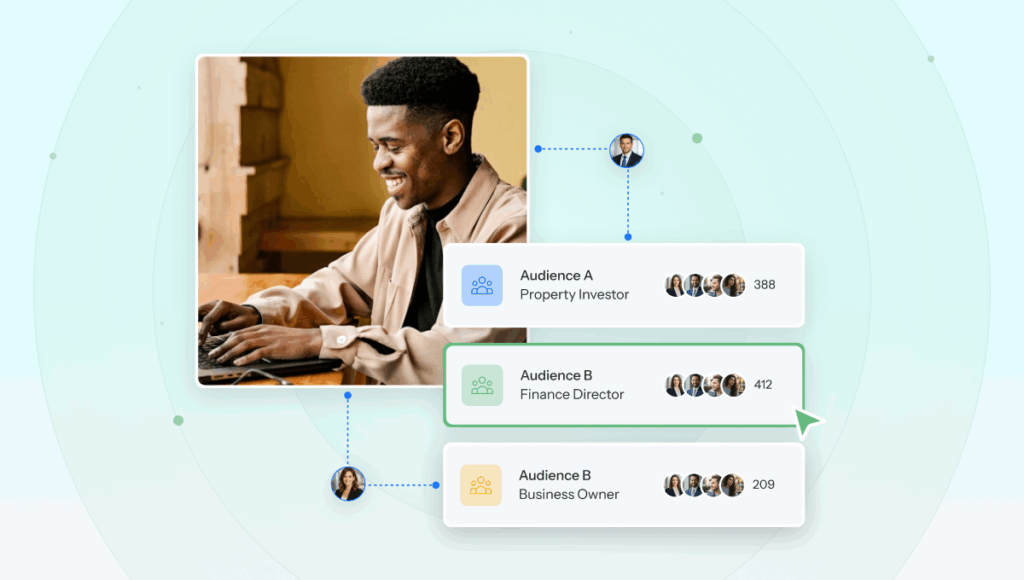
Audiences lets you segment your entire lead pool based on how someone scored, how they answered specific questions, or combinations of answers across multiple questions.
Instead of dumping everyone into low, medium, or high, you can create meaningful groups based on intent, readiness, and fit. That’s where segmentation stops being busywork and starts becoming leverage. From a sales perspective, this changes a lot.
When you know who’s qualified, who’s close to buying, and who needs education first, you stop wasting time chasing everyone who ever filled in a form. Your team knows exactly where to focus, and follow-ups feel natural.
Audiences shows you where effort will pay off. When you know that, you stop sending birthday cake to gluten-free leads 🧁
Because if there’s one thing I want you to focus more on in 2026, it’s less an inbox filled with cold leads, more an inbox refined with the worth-it ones.
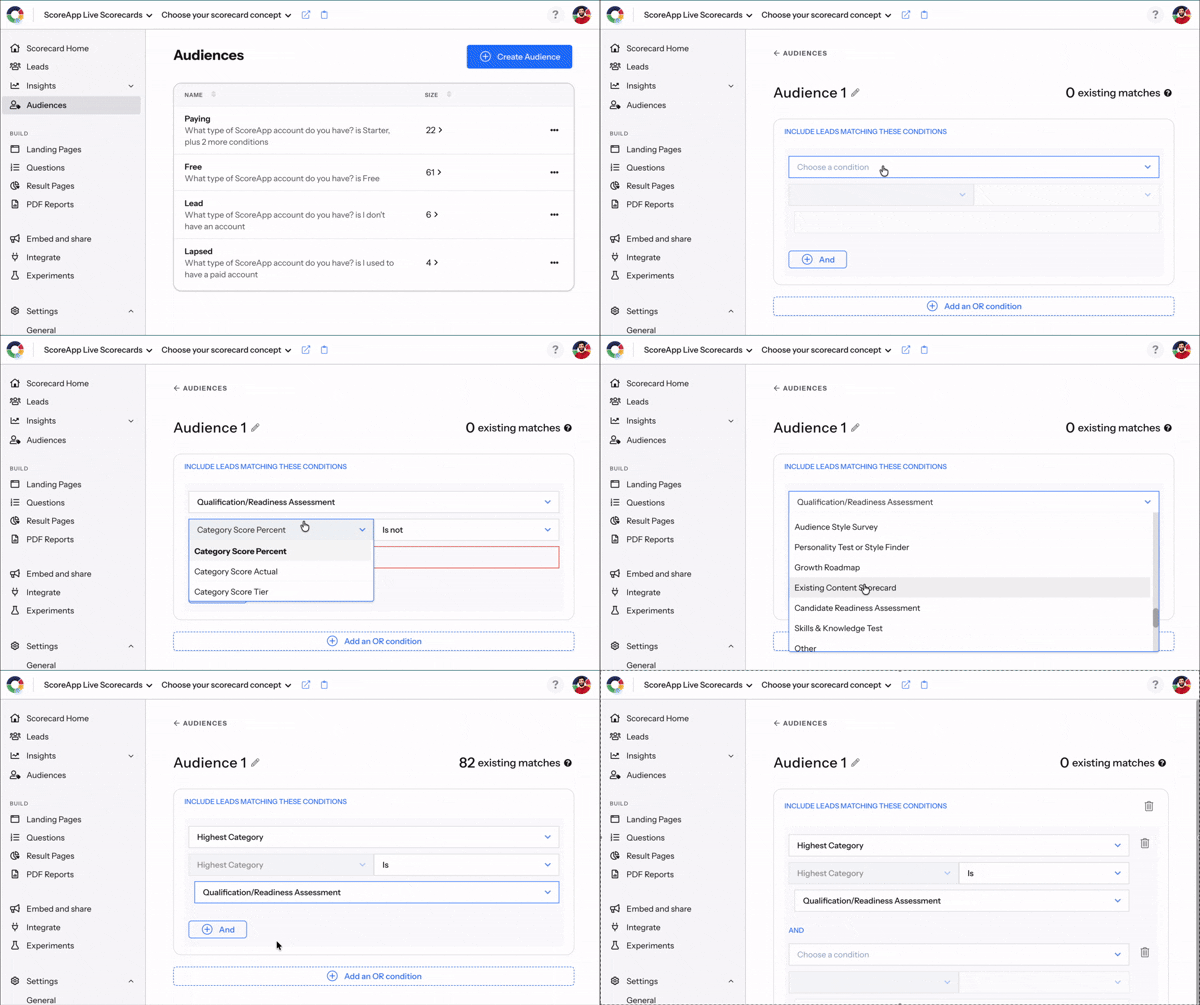
Our Audiences set up in motion.
The takeaway
Traffic gets people in. A clearer (more fun!) picture moves them forward.
Audiences turns one overwhelming list into focused groups you can sell to, nurture, or retarget properly. Think open to training, vs actively looking for support, vs qualified but not ready. In a nutshell, Audiences shift your scorecard from “useful” to strategic.
Want help setting this up properly?
If you want to see how to use Audiences to drive better conversations, our 60-minute Sales Masterclass walks you through it step by step.
You’ll learn how to build audiences around real buying intent, align them with your ICP, and use them to prioritize leads with confidence.
Once you start using this type of supercharged segmentation well, it’s hard to imagine running funnels without it.