The assessment that says “not yet” – and why it doubled Robert’s close rate


Robert Haggart runs English for Life – a training company helping professionals in the French tech sector develop the English communication skills they need to land international opportunities.
His business lives and dies on discovery calls. And for a while, those calls were breaking him.
“Before ScoreApp, maybe half the time they weren’t qualified leads – a waste of time – or sometimes they just wouldn’t show up.”
Half. Half of his calls going nowhere. Not because Robert wasn’t good at what he does. Because the system he was using to bring people to the call had no way of knowing who was actually ready.
That changed when he built a ScoreApp assessment.
Since then, his close rate has gone from 20% to 50%. Sales are up 25%. And no-shows? Basically gone.
But the stat that tells the real story isn’t the close rate. It’s the people ScoreApp tells “not yet” – and why that’s made all the difference.
The problem with discovery calls (and most lead gen)
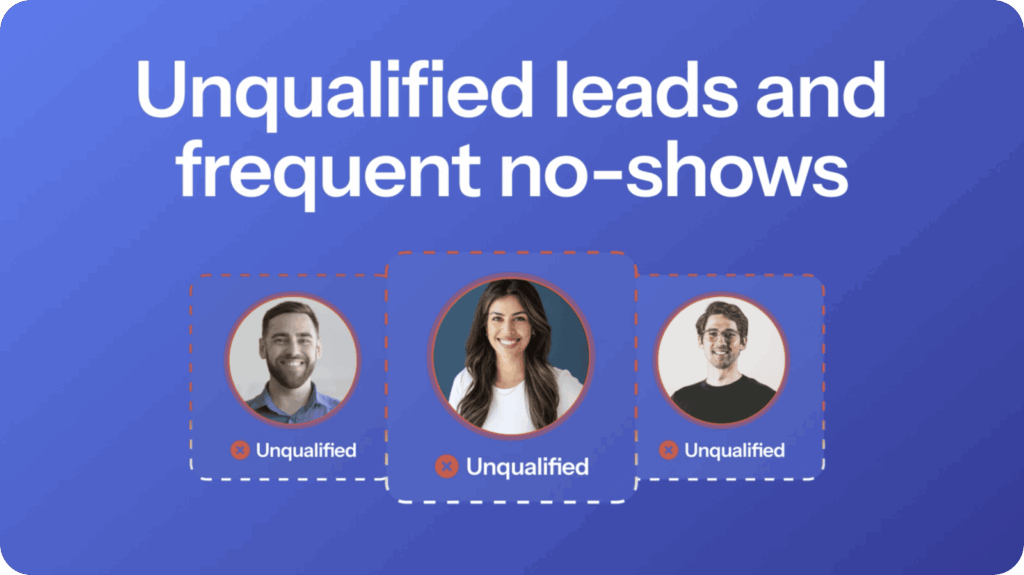
If you run a coaching, consulting, or service business, you already know the pain. Someone fills in your contact form. They seem interested. You block out the time, prepare, get on the call – and within five minutes you can tell it isn’t going anywhere.
They’re not ready to invest. They don’t have the foundations in place. Or they’re just window shopping.
Robert’s situation was exactly that. He had people coming through to book calls with almost no information upfront. No way to know if they were a real fit. No way to prepare a meaningful conversation. Just a name, an email, and a hope.
“I didn’t have enough information about the lead. And so, often, you know, maybe half the time they weren’t qualified leads.”
The result: a 20% close rate. Which, if you’re optimistic, means 8 out of 10 calls weren’t converting. More likely, many of them shouldn’t have happened at all.
The scorecard Robert built
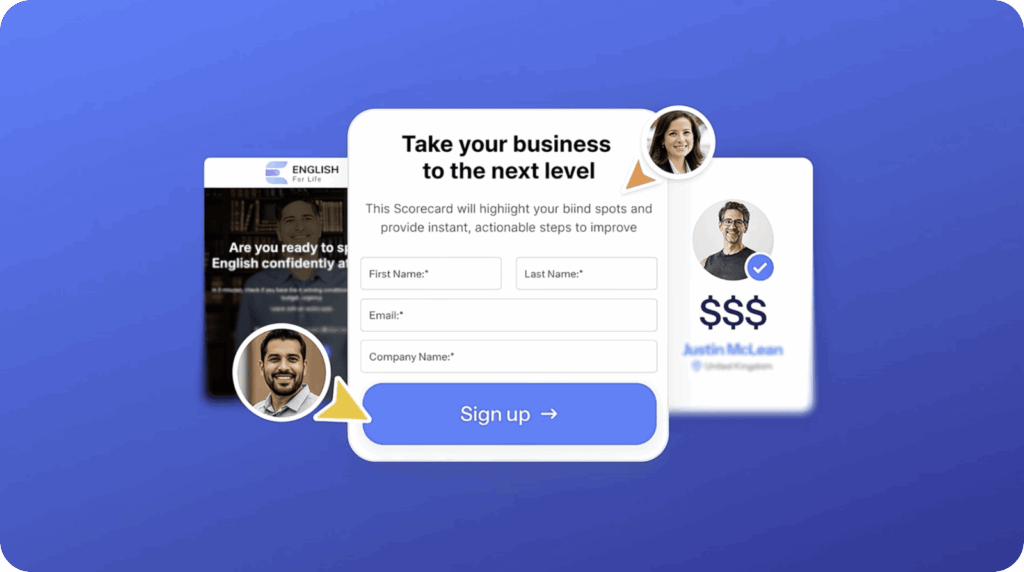
Robert’s ScoreApp assessment is called: Are you ready to invest in an English training?
That title alone does a lot of work. It sets an expectation. It signals that not everyone will be right. And it makes the prospect do a little self-reflection before they ever reach Robert’s calendar.
Inside the assessment, Robert asks questions that uncover two things: fit and readiness. Not just “are you interested?” but “do you actually have the foundations, the time, and the commitment to get results?”
One question in particular acts as a hard gate:
“If we can guarantee a result, would you be willing to invest in this program?”
Those who say no? They can’t book an appointment. Simple, honest, and completely pressure-free. The assessment does the qualifying – Robert doesn’t have to have an awkward conversation.
Those who say yes? They’re already halfway bought in before the call begins.
The part most people miss: telling leads “not yet”
Here’s what makes Robert’s setup genuinely different from most lead gen approaches.
He didn’t just build a scorecard that sorts people into “yes” and “no.” He built one that actually helps the people who aren’t ready yet.
When a lead scores in a way that suggests they’re not a fit right now – maybe they don’t have the time, they’re not ready to invest, or they haven’t put the right foundations in place – they don’t just get a generic rejection page.
They get a specific, honest explanation of why they’re not ready, and what they should do first.
“Go back to basics. Start reading in English. Listen to English podcasts. Build the foundation before you come to us.”
That kind of honesty does something most marketing systems never manage: it builds real trust.
“Some people get ‘no, you’re not ready’ – and the reason is specific. We do this honestly. And so we have the respect of our community.”
When people see that you’re not just trying to close every warm body that shows up, they trust you more. They refer people to you. They come back when they are ready. And the ones who do book a call? They already believe in you.
The results
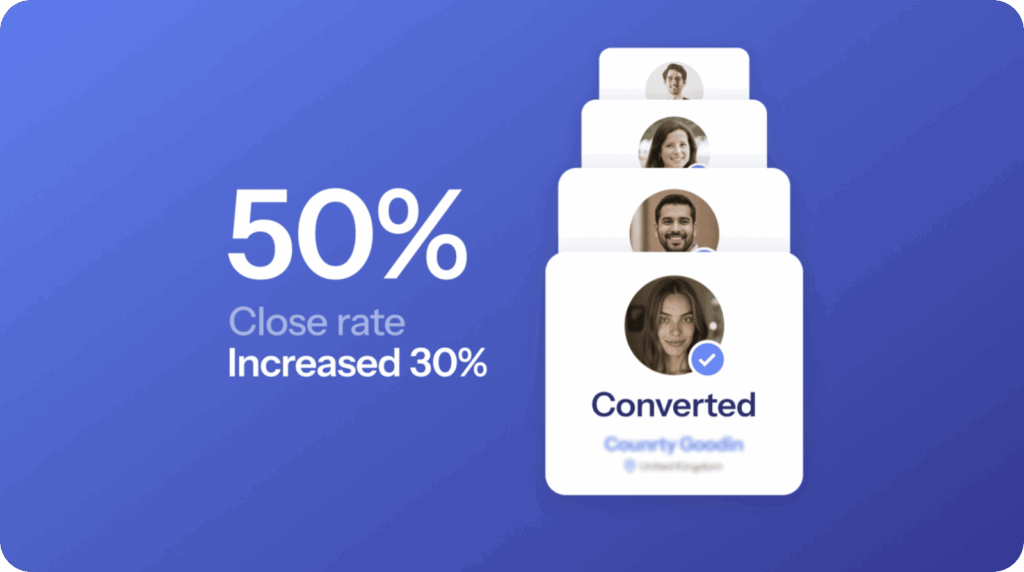
Since building his ScoreApp assessment, Robert’s numbers tell a clear story:
- Close rate: 20% → 50%
- Sales: Up 25%
- Lead quality: “Increased exponentially”
- Show-up rate: Transformed – “It’s almost a sure thing that once they’ve done the ScoreApp, they’ll show up”
“The quality of the call is better and the close rate has been much higher.”
That’s not a small tweak. That’s a fundamentally different business. Fewer wasted hours, better conversations, more revenue – from the same amount of traffic.
How to build the same thing for your business
Robert’s setup isn’t complicated. You don’t need a big team or a big budget. Here’s how to replicate it, step by step.
Step 1: Get clear on who you’re qualifying for
Before you build anything, write down the answer to this question:
What does a genuinely ready, ideal-fit lead look like for my business?
Think about:
- What do they need to have in place before they can get a result from you?
- What mindset or commitment level do they need?
- What would disqualify someone – not permanently, but right now?
Robert knew his ideal client needed time to practice, a willingness to invest, and some basic English foundations already in place. That clarity shaped every question in his assessment.
Step 2: Build your assessment in ScoreApp
Head to scoreapp.com and create a new assessment.
Name it clearly. Robert’s title – Are you ready to invest in an English training? – does double duty: it attracts the right people and filters the wrong ones before they even start. Make yours specific to your offer.
Build your questions around fit and readiness, not just interest. Think about:
- What do they need to have tried or considered already?
- What resources (time, money, support) do they need?
- What goals or challenges should they have for your offer to make sense?
Aim for 5–10 focused questions. Short enough to complete, long enough to gather real insight.
Use scoring logic to group your leads. ScoreApp lets you assign scores to answers, then group people into outcome categories. For Robert, this looks something like:
- High score → “You’re ready. Here’s what to do next.”
- Medium score → “Almost there. Here’s what to strengthen first.”
- Low score → “Not yet – and here’s why, and what to do instead.”
Step 3: Add a hard-gate qualifying question
This is the single highest-impact thing in Robert’s assessment.
A hard-gate question is one where the answer determines whether the person can proceed to booking at all. Robert’s version:
“If we can guarantee a result, would you be willing to invest in this program?”
In ScoreApp, you can use conditional logic to route people based on their answer. Anyone who says no goes to a results page that explains why they can’t book right now and what to do instead. Anyone who says yes gets to move forward.
This one question eliminates the majority of wasted calls.
Step 4: Build your results pages
This is where most people underinvest – and where Robert’s setup shines.
For people who are ready: Show them a clear, warm next step. Make it easy to book a call. Remind them of the value they’re about to get.
For people who aren’t ready yet: Don’t just say no. Be specific. Tell them exactly why they’re not ready, and give them 2–3 concrete things to do first. This is what builds the community trust Robert talks about. The prospect who isn’t ready today will remember that you were honest with them – and they’ll come back (or refer someone who is ready).
ScoreApp’s dynamic results feature lets you create different results pages for different score outcomes, so everyone gets a relevant, personalized experience.
Step 5: Set up your follow-up
Once someone completes your assessment, the conversation continues – automatically.
Connect ScoreApp to your email platform (via native integrations or Zapier) to send tailored follow-up emails based on their outcome:
- Ready leads: A warm welcome, a reminder to book their call, and any pre-call prep they need.
- Not-yet leads: A helpful resource, a link to your content, or a gentle nudge to come back when the time is right.
Robert’s assessment does the qualifying and the nurturing in one step. Your follow-up sequence can continue that work without you lifting a finger.
Step 6: Promote your assessment
Your assessment is only as valuable as the traffic you send to it.
Some of the most effective places to promote it:
- Your website – replace a generic contact form with your assessment link
- Your email signature – a consistent, passive source of completions every week
- Social media bio links – especially LinkedIn and Instagram
- At the start of sales conversations – “Before we speak, I’d love you to complete this quick assessment. It’ll help me prepare and make our call more valuable.”
- Content – mention it in posts, videos, and podcasts where you’re talking about the problems it addresses
The more consistently you promote it, the more your calendar fills with people who have already pre-qualified themselves.
Step 7: Review and optimize
Once your assessment has been running for a few weeks, dig into your ScoreApp dashboard:
- Which questions are causing the most drop-off? Simplify or remove them.
- What’s the split between ready / not-yet leads? If almost everyone is qualifying in, your questions may not be filtering enough. If almost everyone is filtering out, check whether your gating question is too aggressive.
- Which lead segments are closing at the highest rate? Use that insight to refine who you’re attracting at the top.
Robert’s results didn’t happen overnight – they came from having a system that ran consistently and gave him data he could act on.
What would a 50% close rate mean for your business?
For Robert, it meant being able to spend less time on calls that go nowhere, and more time delivering real results for the clients who were ready to commit.
It meant his sales conversations felt less like convincing and more like confirming. The assessment had already done the hard work. By the time someone got on a call with Robert, they’d told him exactly where they were, what they needed, and that they were willing to invest.
That’s not selling. That’s clarity.
If you run a coaching, consulting, or service business and you’re spending too much time on calls that don’t convert – or attracting leads who aren’t quite right – this is the system that changes that.